The design industry has undergone a massive transformation in 2026, with artificial intelligence now playing a central role in how mockup templates are created, customized, and deployed. For designers working in Photoshop, AI-generated mockup templates offer an unprecedented combination of realism, flexibility, and speed that traditional mockup creation simply cannot match.
Why AI-Generated Mockups Are Changing the Game
Traditional mockup creation in Photoshop required hours of meticulous work. Designers had to photograph products, set up lighting, arrange compositions, and then spend additional time in post-production. AI-generated mockups eliminate much of this labor by producing photorealistic scenes that are ready to customize with your designs in minutes rather than hours.
The key advantage of AI mockups in 2026 is their adaptability. Unlike static mockup files, many AI-generated templates come with dynamic elements that automatically adjust lighting, shadows, and perspective based on the design you insert. This means your final presentation looks natural regardless of the colors, patterns, or imagery in your work.
Top Categories of AI Mockup Templates
1. Product Packaging Mockups
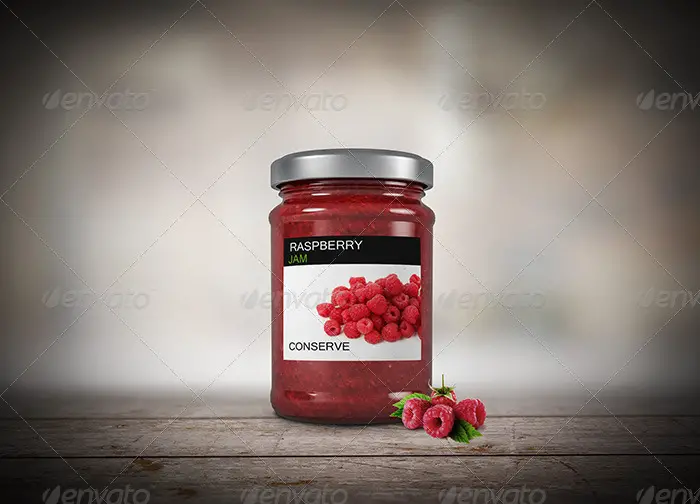
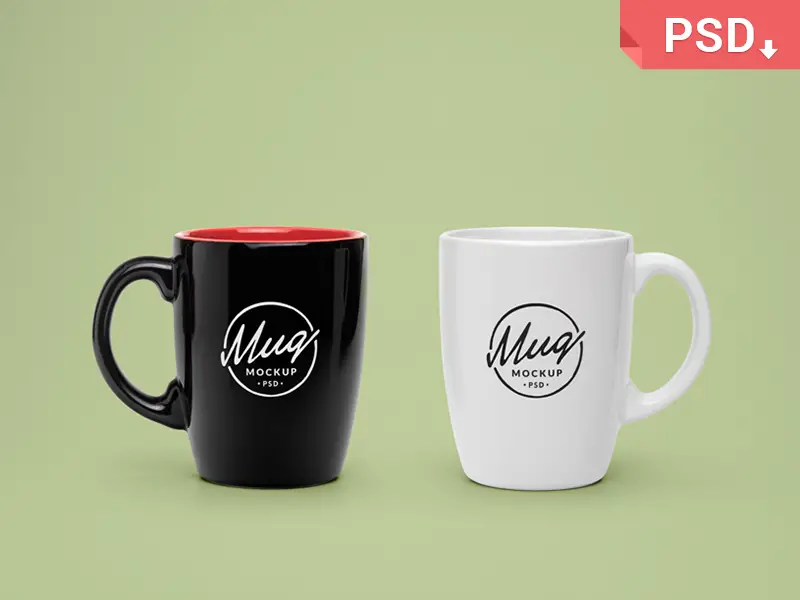
Product packaging mockups have seen the biggest improvement from AI generation. Modern AI packaging mockups can simulate different materials like matte cardboard, glossy plastic, metallic foil, and kraft paper with stunning accuracy. The AI understands how light interacts with each material, producing reflections and shadows that would take an experienced retoucher significant time to replicate manually.
Popular subcategories include food packaging, cosmetic containers, beverage bottles, and retail boxes. Many of these templates now include multiple angle variations generated from a single base model, giving you a complete product photography set from one download.
2. Device and Screen Mockups
Screen mockups for phones, tablets, laptops, and monitors have always been popular among UI and UX designers. AI-generated versions in 2026 take things further by offering realistic environment placement. Instead of a device floating on a plain background, these mockups place your screen design into lifelike office environments, coffee shops, outdoor settings, and home workspaces.
The templates automatically handle screen glare, ambient reflections, and viewing angle distortion, making your app or website screenshots look like genuine photographs of devices in use.
3. Apparel and Fashion Mockups
Clothing mockups have traditionally been among the hardest to create convincingly in Photoshop. Fabric folds, draping, and texture all need to look natural. AI-generated fashion mockups solve this by producing garment visualizations that account for fabric physics, body shape variations, and natural posing.
T-shirt mockups, hoodie templates, hat designs, and athletic wear presentations have all benefited enormously. Many AI fashion mockups now offer diverse model representations, helping brands showcase their products on a wide range of body types and skin tones.
4. Print and Stationery Mockups
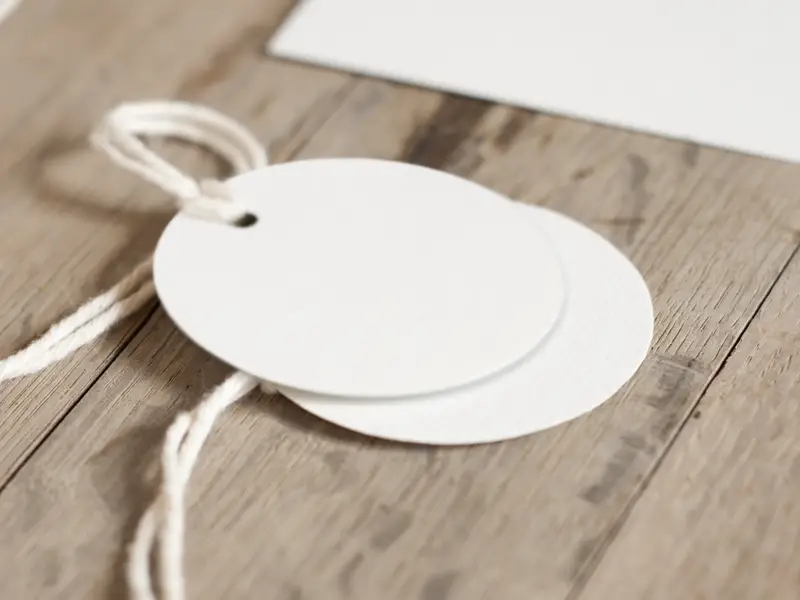
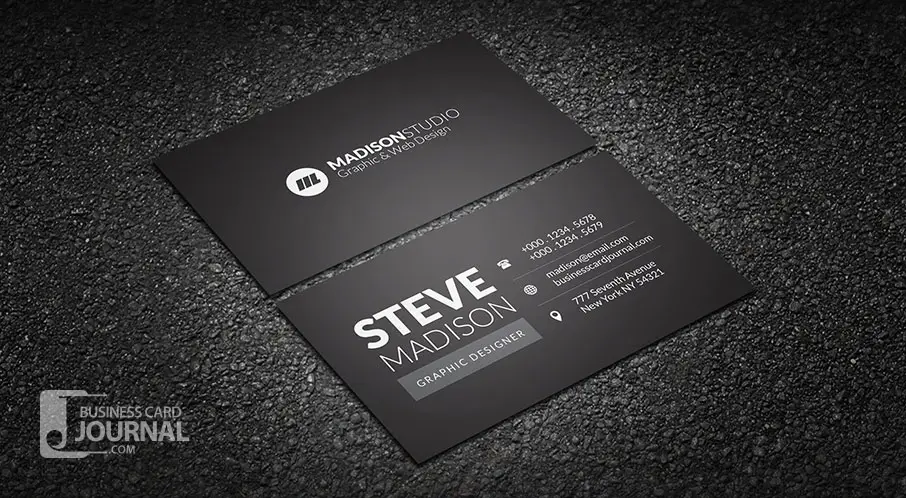
Business cards, letterheads, brochures, and poster mockups continue to be essential for branding presentations. AI-generated stationery sets create cohesive scenes where all pieces share consistent lighting and style, making your brand identity presentations look professionally photographed.
How to Use AI Mockups in Photoshop
Working with AI-generated mockup templates in Photoshop follows a familiar workflow with some modern improvements. Most templates are delivered as layered PSD files with Smart Objects, just like traditional mockups. The difference is in the quality and options available.
Step one is opening the PSD file and locating the Smart Object layer, typically labeled with instructions like Place Your Design Here. Double-click the Smart Object to open it, paste or place your design, save, and close. Your design will appear within the mockup scene with all the AI-generated lighting and shadow effects applied automatically.
Many 2026 AI mockup packs also include adjustment layers that let you fine-tune the overall color temperature, brightness, and contrast of the scene without affecting your inserted design. This is particularly useful when you need the mockup to match a specific brand color palette or presentation theme.
Where to Find Quality AI Mockup Templates
Several platforms have embraced AI-generated mockups in 2026. Creative Market, Envato Elements, and Adobe Stock all feature dedicated AI mockup categories. Free options are also available on platforms like Freepik and Pixeden, though premium templates generally offer more customization options and higher resolution output.
When evaluating AI mockup templates, look for PSD files that maintain full layer editability. Some lower-quality offerings flatten their AI-generated elements, which limits your ability to make adjustments. The best templates preserve separate layers for shadows, reflections, background elements, and your design placement area.
Tips for Getting the Best Results
First, always match your design resolution to the mockup Smart Object dimensions. Upscaling a low-resolution design will be painfully obvious even in the most realistic mockup scene. Second, pay attention to the mockup lighting direction when positioning designs with strong directional elements like gradients or dimensional text. Third, use the provided color adjustment layers to create visual harmony between your design and the mockup environment.
Finally, consider using multiple mockup angles from the same AI-generated set when building client presentations. Consistency across different views builds credibility and gives clients a comprehensive understanding of how their design will look in the real world.
The Future of Mockup Design
As AI technology continues to advance, we can expect even more interactive mockup experiences. Real-time 3D mockups that render directly within Photoshop plugins are already in development, and some designers predict that by 2027, mockup creation will be as simple as describing the scene you want in plain language. For now, the current generation of AI mockup templates represents the best balance of quality, ease of use, and creative flexibility available to Photoshop designers.